Ultimate Gaming Setup Guide 2025
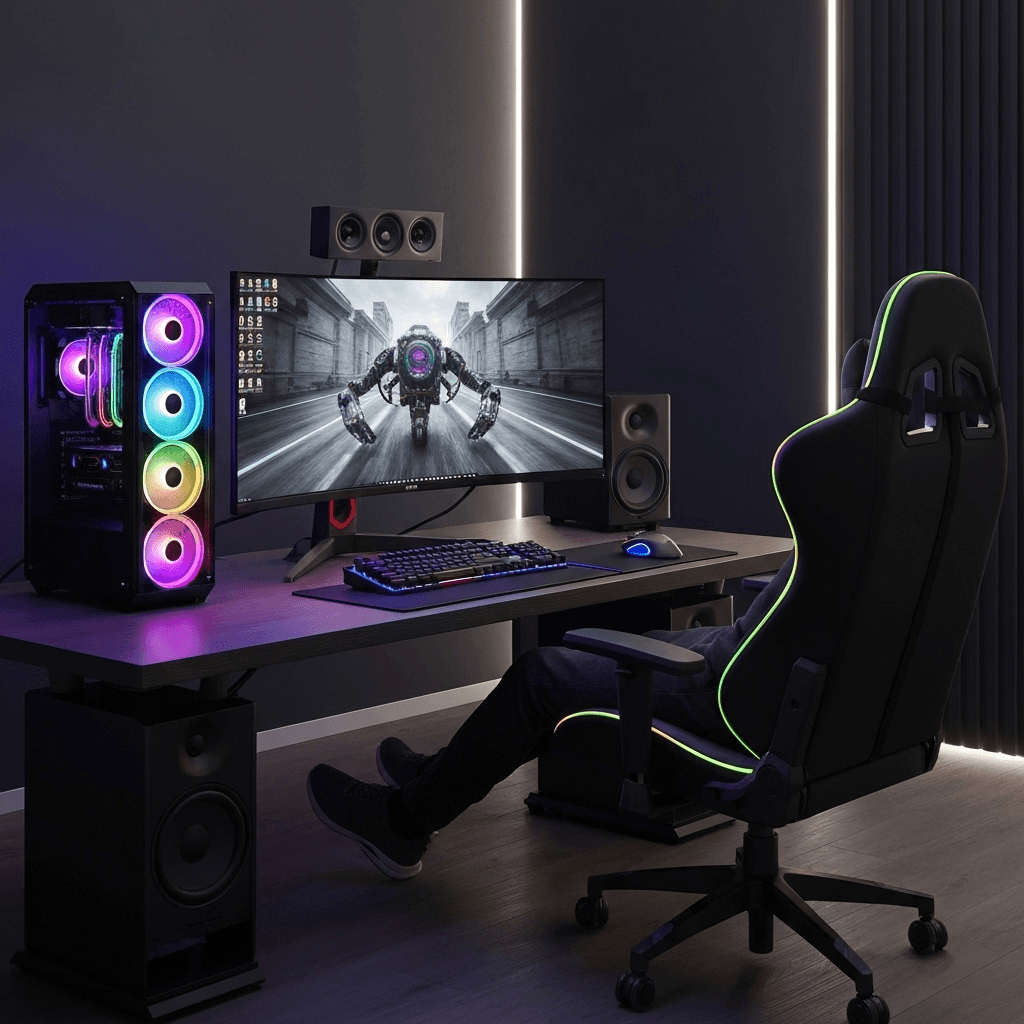
Build the gaming setup of your dreams with our comprehensive guide covering everything from high-end hardware to AI-powered gaming assistants.
Building Your Dream Gaming Setup
Creating the perfect gaming setup in 2025 goes beyond just powerful hardware. It's about creating an ecosystem that enhances your gaming experience, productivity, and entertainment. Here's your complete guide.
1. High-Performance Gaming PC
Recommended Specs for 2025:
High-End Build ($3000+)
- CPU: Intel i9-14900K / AMD Ryzen 9 7950X
- GPU: RTX 4090 / RX 7900 XTX
- RAM: 32GB DDR5-6000
- Storage: 2TB NVMe SSD
- PSU: 1000W 80+ Gold
Mid-Range Build ($1500-2500)
- CPU: Intel i7-14700K / AMD Ryzen 7 7800X3D
- GPU: RTX 4070 Super / RX 7800 XT
- RAM: 16GB DDR5-5600
- Storage: 1TB NVMe SSD
- PSU: 750W 80+ Gold
2. Gaming Peripherals
Essential Peripherals
- Gaming Monitor: 1440p 165Hz or 4K 120Hz
- Mechanical Keyboard: Cherry MX or equivalent
- Gaming Mouse: High DPI with customizable buttons
- Gaming Headset: 7.1 surround sound
- Gaming Chair: Ergonomic with lumbar support
Premium Upgrades
- Ultrawide Monitor: 34" 1440p 144Hz
- Custom Keycaps: Artisan or themed sets
- Wireless Mouse: Low latency gaming mouse
- Studio Headphones: + Dedicated microphone
- Standing Desk: Height adjustable
3. Streaming and Content Creation
Modern gaming setups often double as content creation stations. Here's what you need for streaming and recording.
- Capture Card: Elgato HD60 S+ or 4K60 Pro
- Streaming Camera: Logitech C920 or Sony A7 III
- Professional Microphone: Blue Yeti or Shure SM7B
- Lighting Setup: Ring light or softbox lighting
- Green Screen: For background replacement
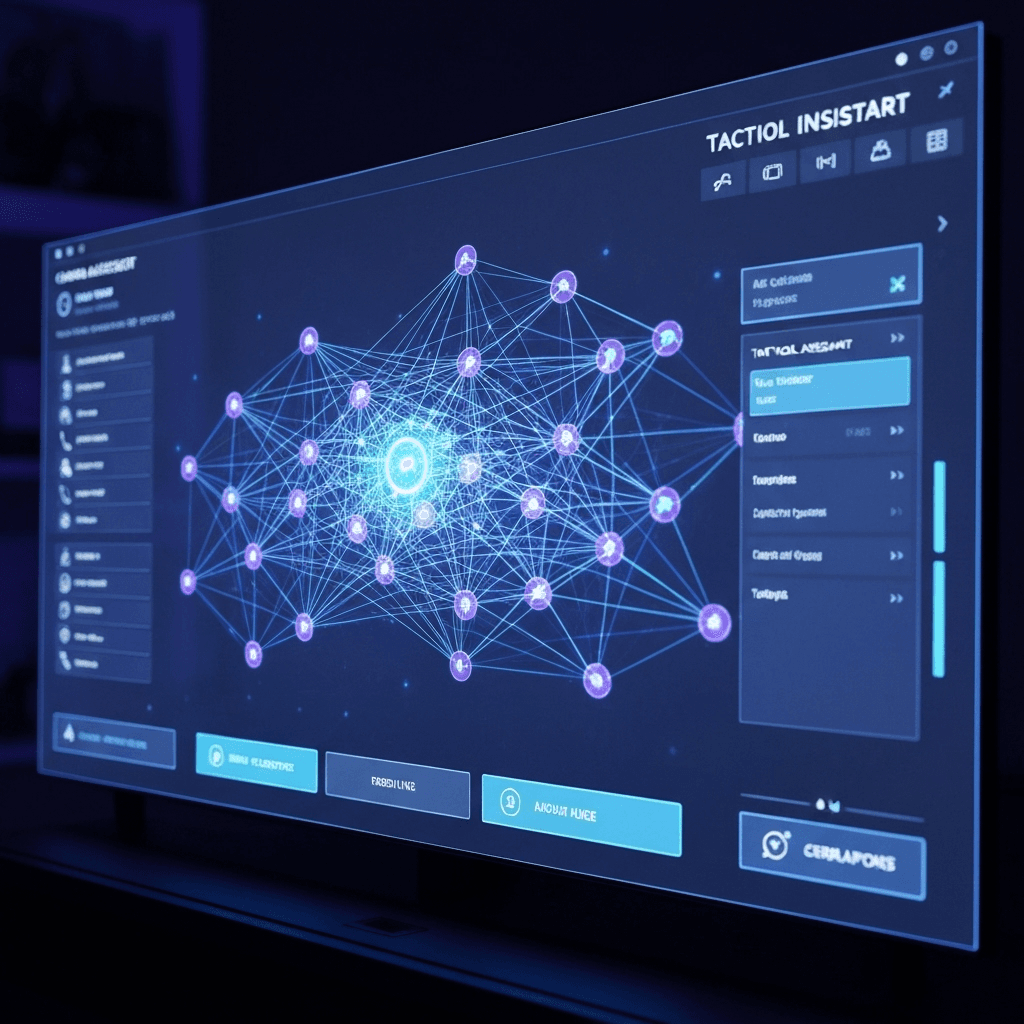
4. AI Gaming Assistant Integration
Why You Need Pika AI in Your Setup:
- Voice Control: Launch games, adjust settings, control streaming software
- System Optimization: Automatically optimize performance for different games
- Smart Automation: Create custom macros and shortcuts
- Communication Management: Handle Discord, TeamSpeak, and other comms
- Streaming Integration: Control OBS, manage chat, switch scenes
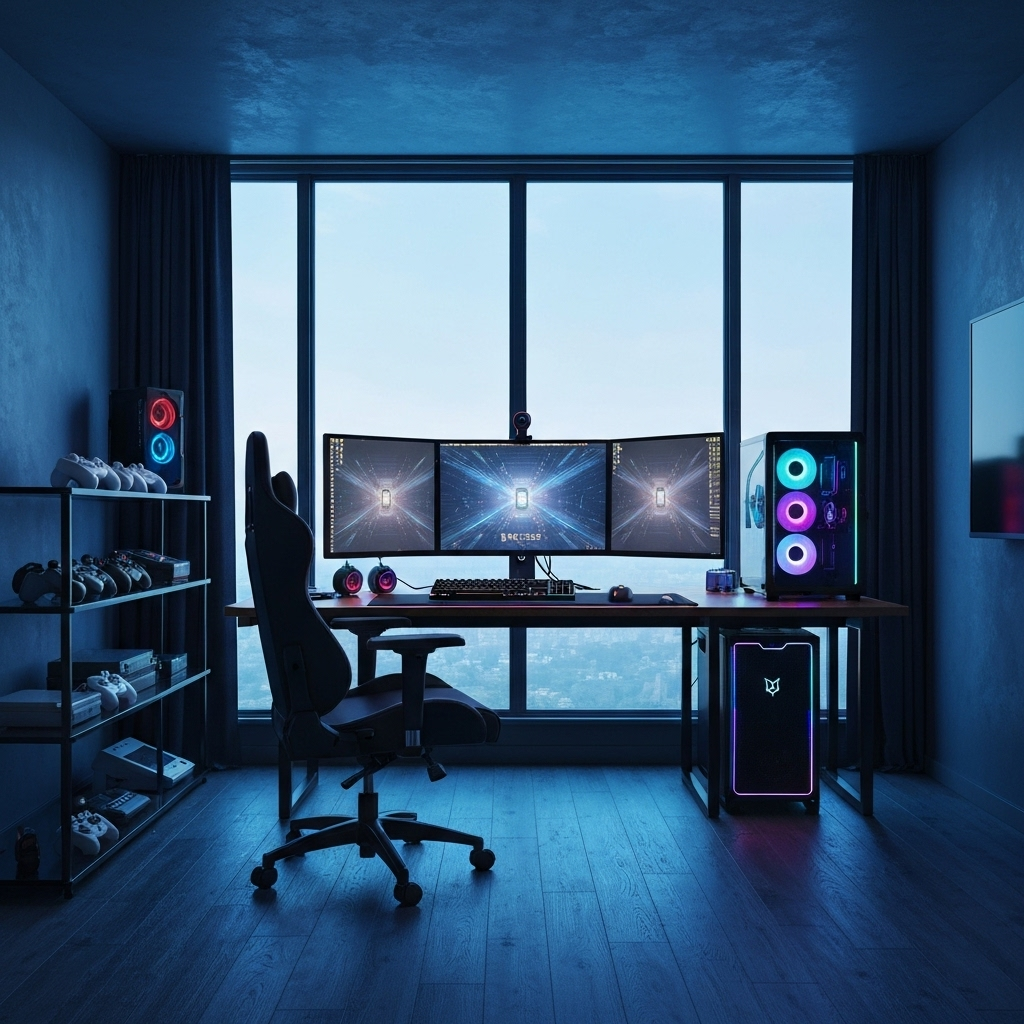
5. Gaming Room Setup and Aesthetics
Lighting and Ambiance
- RGB LED strips behind monitor
- Smart bulbs for ambient lighting
- Bias lighting to reduce eye strain
- Nanoleaf panels for wall decoration
Organization and Storage
- Cable management solutions
- Headphone stands and hooks
- Controller charging stations
- Game storage and display
6. Network and Connectivity
A stable, fast internet connection is crucial for modern gaming, especially for competitive gaming and streaming.
- Internet Speed: Minimum 100 Mbps down, 20 Mbps up
- Gaming Router: ASUS ROG or Netgear Nighthawk series
- Ethernet Connection: Wired connection for lowest latency
- Mesh Network: For large homes or multiple devices
Budget Breakdown
Budget Setup
$1,000 - $1,500
- Entry-level gaming PC
- Basic peripherals
- Single monitor setup
- Essential accessories
Enthusiast Setup
$2,500 - $4,000
- High-end gaming PC
- Premium peripherals
- Dual monitor setup
- Streaming equipment
Dream Setup
$5,000+
- Top-tier gaming PC
- Professional equipment
- Multi-monitor setup
- Full streaming studio
Setup Optimization Tips
- Cable Management: Use cable trays, ties, and sleeves for a clean look
- Ergonomics: Position monitor at eye level, maintain proper posture
- Temperature Control: Ensure proper ventilation and cooling
- Noise Reduction: Use sound dampening materials if needed
- Future-Proofing: Choose components that will last 3-5 years
Conclusion
Building the ultimate gaming setup in 2025 is about more than just raw power. It's about creating an environment that enhances your gaming experience, supports your content creation goals, and adapts to future technologies. Don't forget to integrate AI tools like Pika AI to truly optimize your setup.
Ready to build your dream gaming setup?
Start with Pika AI Gaming Assistant